> ## Documentation Index
> Fetch the complete documentation index at: https://docs.nirvana.finance/llms.txt
> Use this file to discover all available pages before exploring further.
# ANA: Nirvana’s foundational token.
ANA (pronounced AH-nuh) is the first Assured Value Asset, and serves as the value-capture token for the Nirvana ecosystem.
ANA is minted and backed by USDC through the [Assured Value Machine (AVM)](/s3-nirvana/p2-the-assured-value-machine).
Each ANA token is born with a floor price, a minimum redemption value that's mathematically provable, on-chain, and verifiable.
The floor is enforced by protocol-owned reserves, not promises, giving ANA an exit path that’s always available, even in times of maximum market stress.
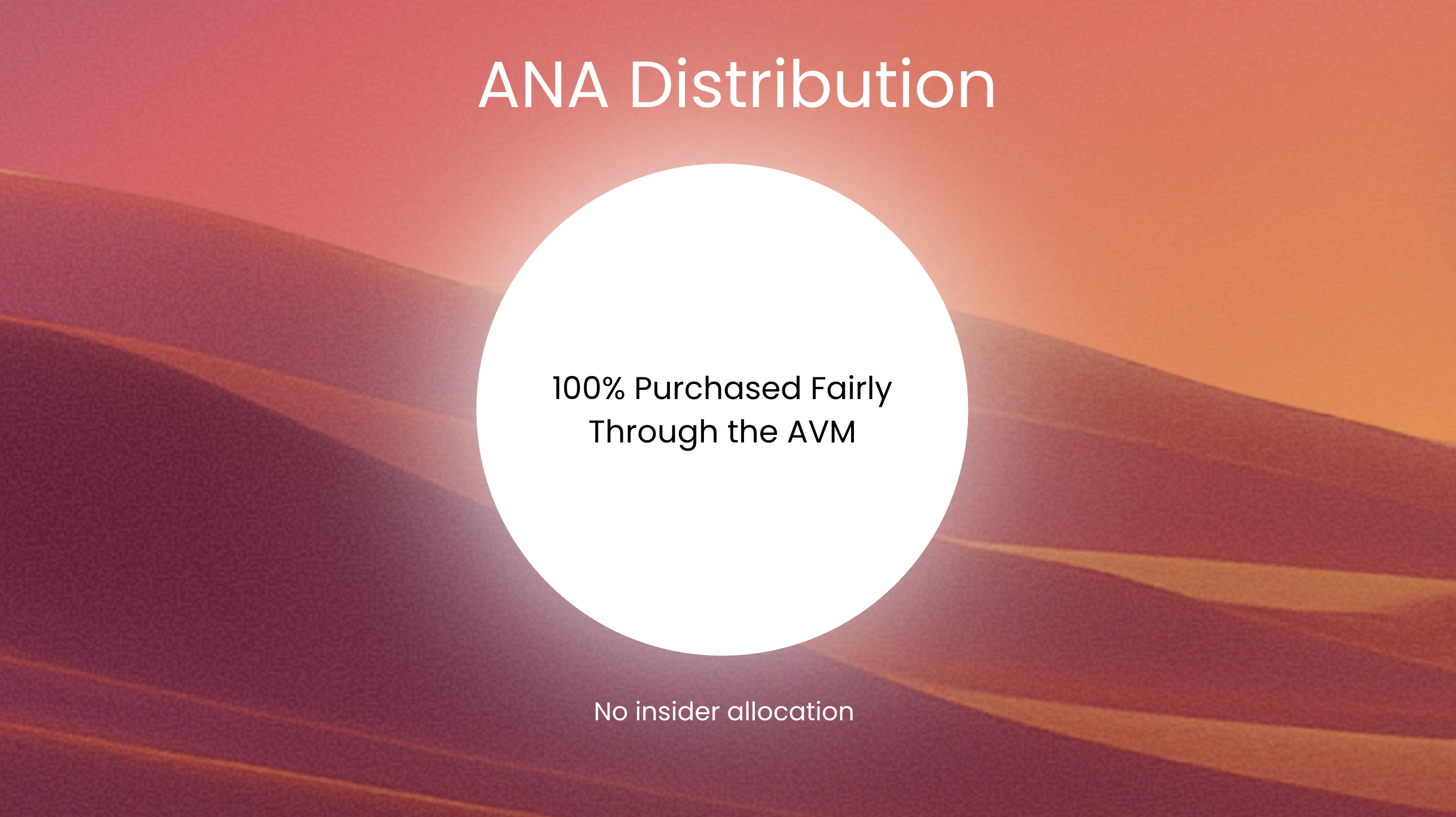 ## How to Buy ANA
ANA is minted by depositing USDC or [NIRV](/s3-nirvana/p5-nirv-credit-on-the-floor) into the protocol through the official Nirvana interface. The [AVM](/s3-nirvana/p2-the-assured-value-machine) determines the price, and every ANA minted is backed by reserves at a rising floor price.
Here’s how to buy it:
### 1. Open the ANA minting panel
Head to the [Buy/Sell ANA](https://app.nirvana.finance/mint)\
Choose your input token: USDC or NIRV.
### 2. Enter an amount
## How to Buy ANA
ANA is minted by depositing USDC or [NIRV](/s3-nirvana/p5-nirv-credit-on-the-floor) into the protocol through the official Nirvana interface. The [AVM](/s3-nirvana/p2-the-assured-value-machine) determines the price, and every ANA minted is backed by reserves at a rising floor price.
Here’s how to buy it:
### 1. Open the ANA minting panel
Head to the [Buy/Sell ANA](https://app.nirvana.finance/mint)\
Choose your input token: USDC or NIRV.
### 2. Enter an amount
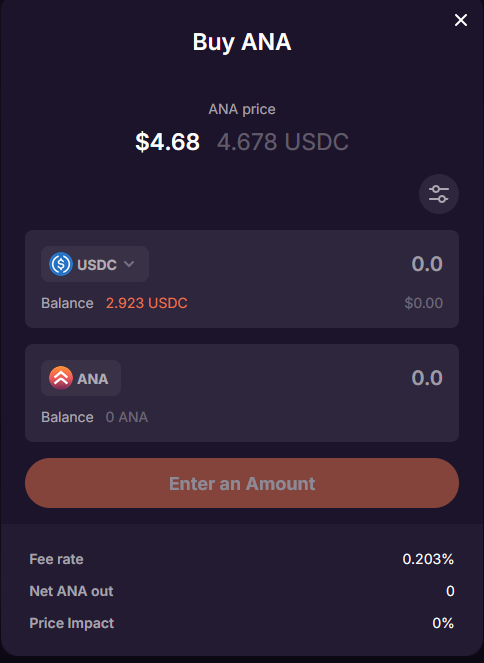 Type in how much USDC or NIRV you want to spend.\
The system will calculate how much ANA you’ll receive after the swap fee.\
**Below the input, you’ll see:**
* Fee rate
* Net ANA received
* Price impact
### 3. Adjust your settings (optional)
Click the **edit** icon to adjust:
* Slippage
* Priority fee
* RPC provider
These are advanced options and are typically pre-filled.
### 4. Click “Buy ANA”
Type in how much USDC or NIRV you want to spend.\
The system will calculate how much ANA you’ll receive after the swap fee.\
**Below the input, you’ll see:**
* Fee rate
* Net ANA received
* Price impact
### 3. Adjust your settings (optional)
Click the **edit** icon to adjust:
* Slippage
* Priority fee
* RPC provider
These are advanced options and are typically pre-filled.
### 4. Click “Buy ANA”
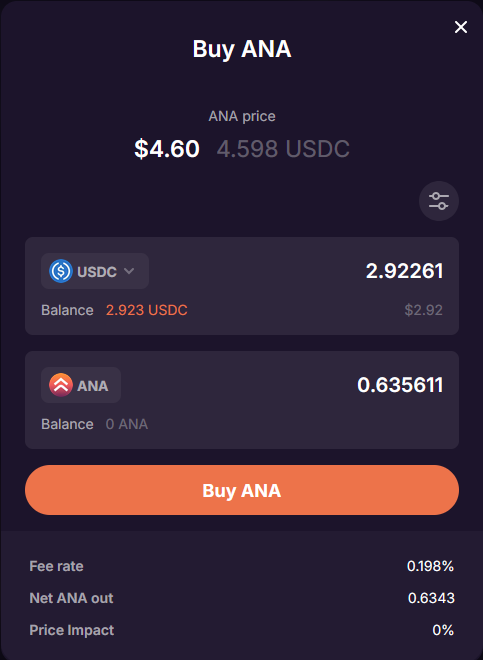 Review the transaction details.\
Click **Buy ANA** and approve the transaction in your wallet.\
Once confirmed, your ANA will appear in your wallet.
Review the transaction details.\
Click **Buy ANA** and approve the transaction in your wallet.\
Once confirmed, your ANA will appear in your wallet.